
Set up pay for each employee
Set pay frequency, currency, compensation and recurring allowances or deductions, along with the tax details each calculation needs.
Payroll
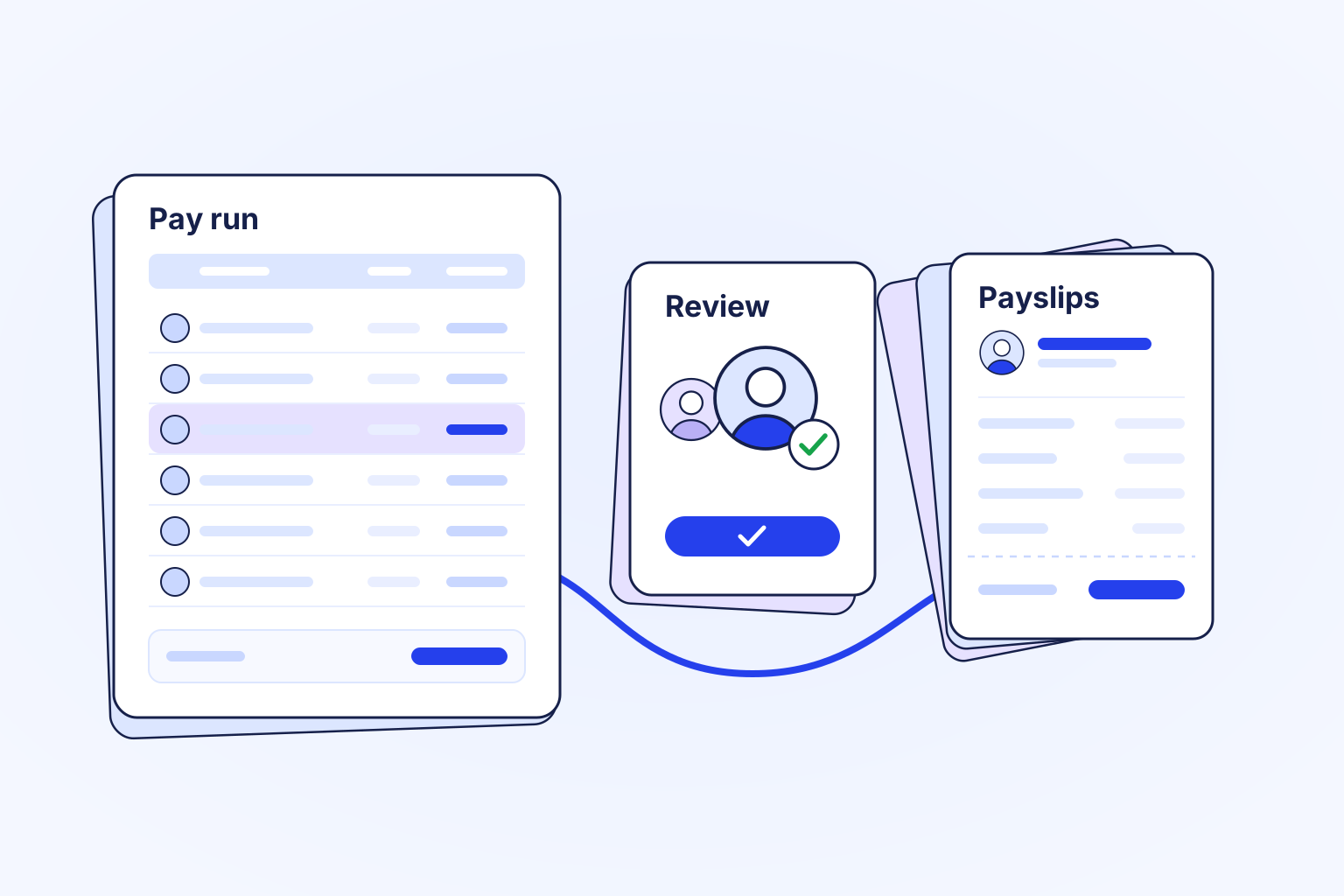
Payroll turns each employee's pay details and approved timesheets into a pay run you can review line by line. A second person approves it, every pay change records who made it and why, and employees open their payslips in Logpagia.
Inside Payroll
Run your team
Set pay frequency, currency, compensation and recurring allowances or deductions, along with the tax details each calculation needs.
Hours and overtime come from approved timesheets. Review gross pay, every deduction and take-home pay for each employee before the run goes for approval.
The person who prepared a run cannot approve it. Once the run is approved and finalized, each employee receives a payslip they can open and download.
Enable payroll for each country you pay in, and complete the employee pay details the run uses.
Run the calculation, check deductions and exceptions, and send the run to a second person for approval.
Finalize the approved run, issue payslips, and keep the history of every change available to the people with the right access.
Payroll calculates local tax where a country pack exists. In other countries it calculates gross pay and the deductions you configure, without built-in tax rules. Paying people out is a separate step that depends on a connected payment provider, available funds, permissions and a finalized run.
Explore the related work
Bring your team and the work that matters into one workspace.