
Prepare a signature request
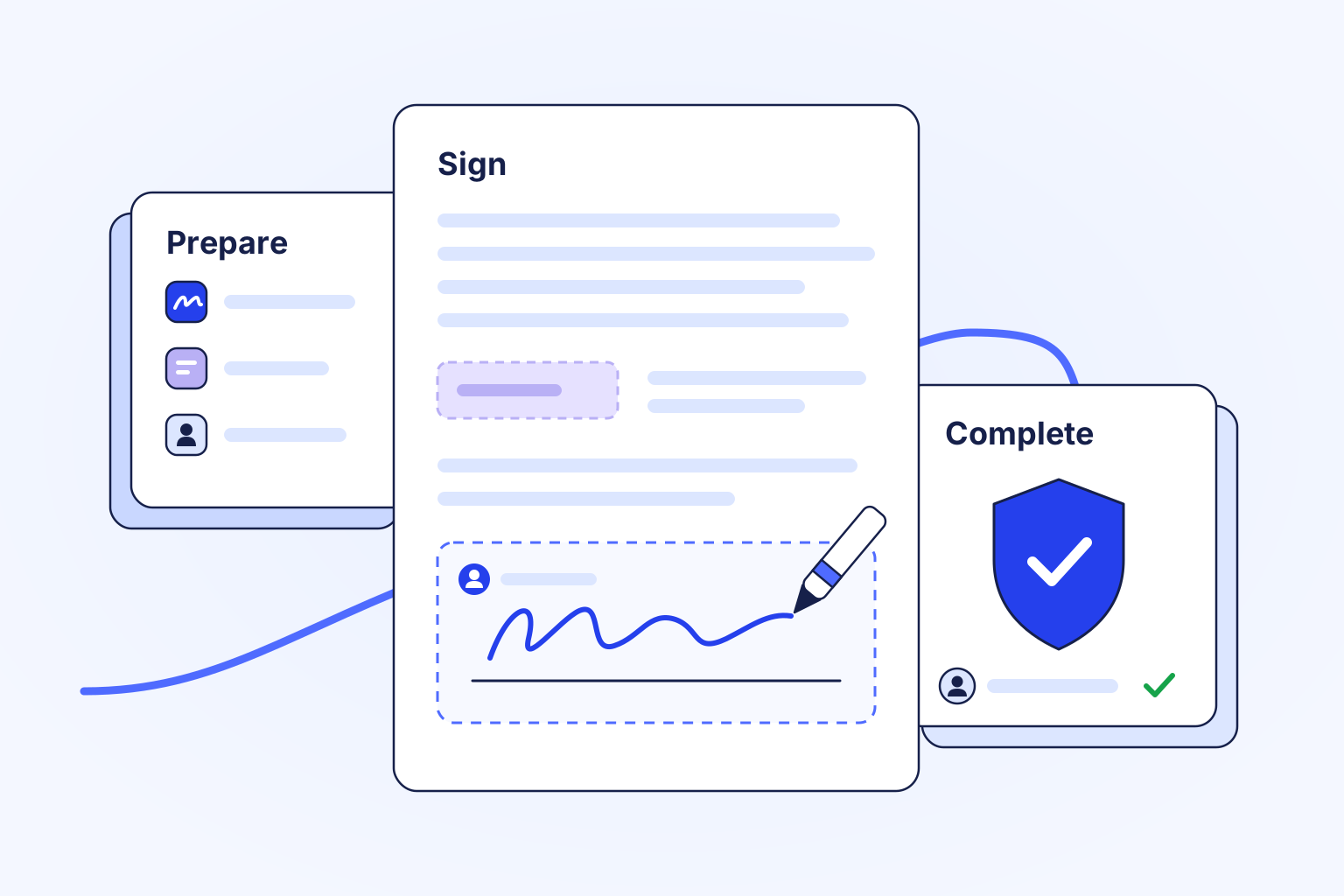
Start from an upload, a document in Documents or a saved template, then add recipients, their roles, their fields and the signing order. For repeat paperwork, use bulk send or a signing form.
Signatures
Send documents for electronic signature from an upload, from Documents or from a template. Recipients sign in the order you set, remotely or in person, and every completed request keeps its signing certificate.
Inside Signatures
Stay in control
Start from an upload, a document in Documents or a saved template, then add recipients, their roles, their fields and the signing order. For repeat paperwork, use bulk send or a signing form.
Recipients review and sign in their own secure session, or you host an in-person signing on your device. Automatic and manual reminders keep each request moving.
Follow each recipient from waiting to completed, and keep the signing certificate that records who signed and when.
Upload a file, pick a document from Documents, or start from a published template.
Add recipients, roles, fields and any verification your organization has enabled, then send the request.
Recipients sign in their own sessions, you follow completion, and the finished document carries evidence sealed by Logpagia.
Signatures provides electronic signatures with evidence sealed by Logpagia. Qualified, advanced and notarized signatures are outside its scope, and enforceability depends on your jurisdiction and the type of document. The sending and signing options you see follow your organization's access and settings.
Explore the related work
Bring your team and the work that matters into one workspace.