
Separate tools and lost context
- The same details typed into several separate applications
- Approvals buried in email or chat, hard to find later
- Access granted case by case and hard to review
For business leaders
See what is waiting for your approval, who is working today and where your customer deals stand, from the records your team already keeps.
The everyday scenario
On Monday you want three answers: what is waiting for your approval, who is in today, and which deals moved last week. Your home page lists the timesheets, time off and signature requests waiting on you, the team overview shows who has clocked in, and the CRM pipeline shows every opportunity by stage.
The handoff, step by step
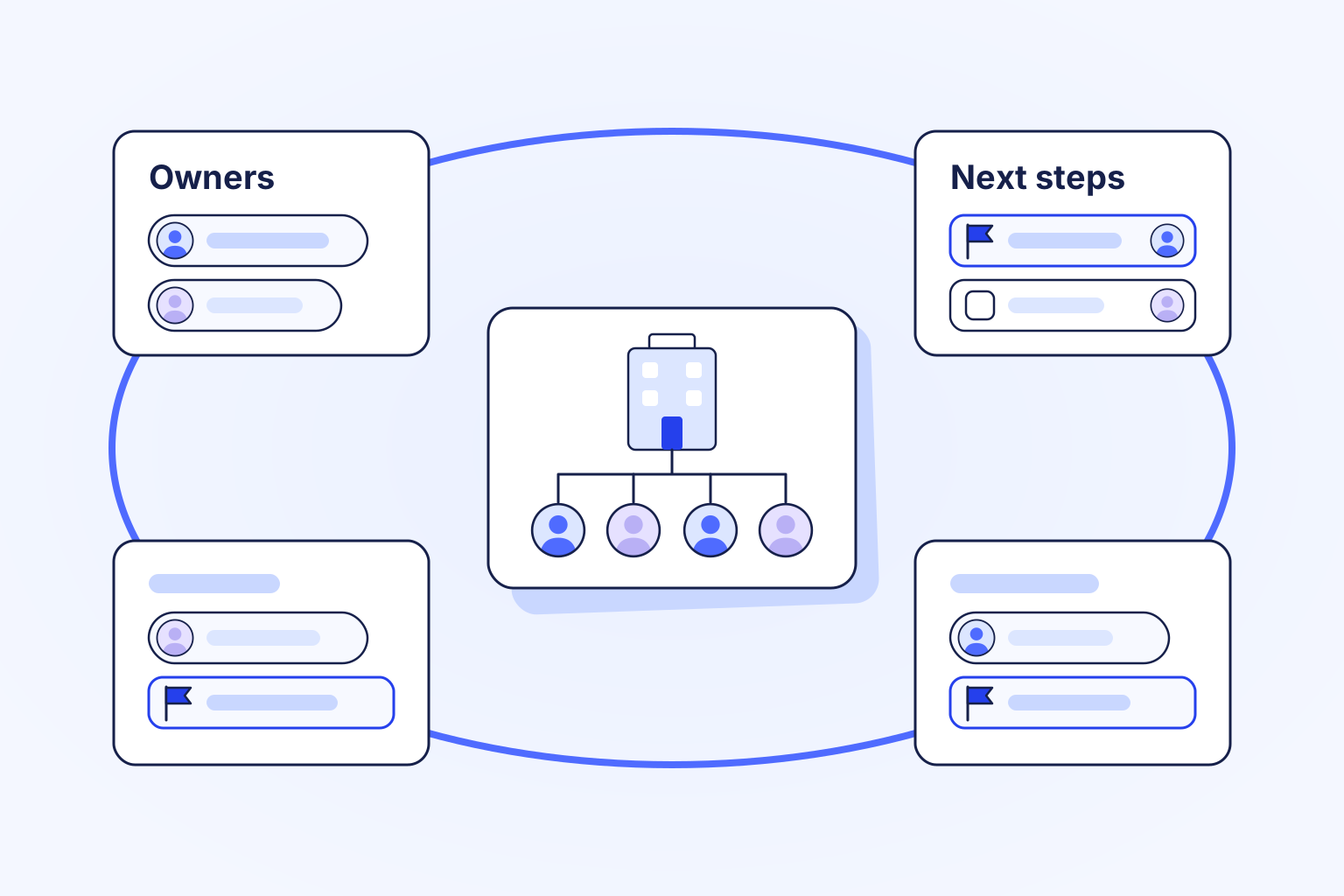
Set up your organization, locations and people once, so every record belongs to a team and an owner.
Give each task, request and deal a named owner, and decide who approves what with the roles you define.
Open the approvals waiting on you, the team's attendance and the sales pipeline, each with the history behind it.
Start with one team and one workflow you repeat every week, such as timesheet approval or sales follow-up. Add the next product when that workflow runs well.
What changes
Fewer places to look, fewer things typed twice, and approvals you can find later.
Tools for this workflow
Give your team a shared place to move the work forward.